MENU
  • eFootball LABO: Player Ratings, Formations and Tools
  • Contact
  • Terms & Disclaimer
  • Privacy Policy
  • Editorial Policy
eFootball guides, player ratings and training tools
eFootball LABO
  • eFootball LABO: Player Ratings, Formations and Tools
  • Contact
  • Terms & Disclaimer
  • Privacy Policy
  • Editorial Policy
eFootball LABO
  • eFootball LABO: Player Ratings, Formations and Tools
  • Contact
  • Terms & Disclaimer
  • Privacy Policy
  • Editorial Policy
  1. Home
  2. Controls & Settings
  3. eFootball Best Settings: Controls, Cursor Change, Graphics & Frame Rate

eFootball Best Settings: Controls, Cursor Change, Graphics & Frame Rate

2026 11/05
Controls & Settings
05/11/2026
In short: Best settings
  • Control Type: Virtual Pad
  • Cursor Change: Manual
  • Smart Assist: Off, unless you are new and worried about defending
  • Movement Input Range: Medium
  • Graphics: Lowest (Prioritise Playability) at 30 fps for online matches
Contents
  1. Best settings at a glance
  2. Control Type: Virtual Pad
  3. Smart Assist: Off
  4. Cursor Change: Manual
  5. Movement Input Range: Medium
  6. Feint Command Type: Easy
  7. Pass Search Guide: on when you are new
  8. Graphics: Lowest for online matches
  9. Frame Rate: 30 fps
  10. FAQ
  11. Summary

Best settings at a glance

SettingBest choice
Control TypeVirtual Pad
Smart AssistOff (on if you are new and worried about defending)
Cursor ChangeManual
Movement Input RangeMedium
Feint Command TypeEasy
Pass Search GuideOn when you are new, off later
Player GraphicsLowest (Prioritise Playability)
Stadium GraphicsLowest (Prioritise Playability)
Frame Rate30 fps

The controls are on the Play Settings screen, and the picture settings are on the Graphics screen.

Play Settings: Basic Controls

Control Type: Virtual Pad

There are two types. Virtual Pad puts a directional stick and action buttons on the screen. Touch & Flick has no buttons, and you tap and flick the screen directly.
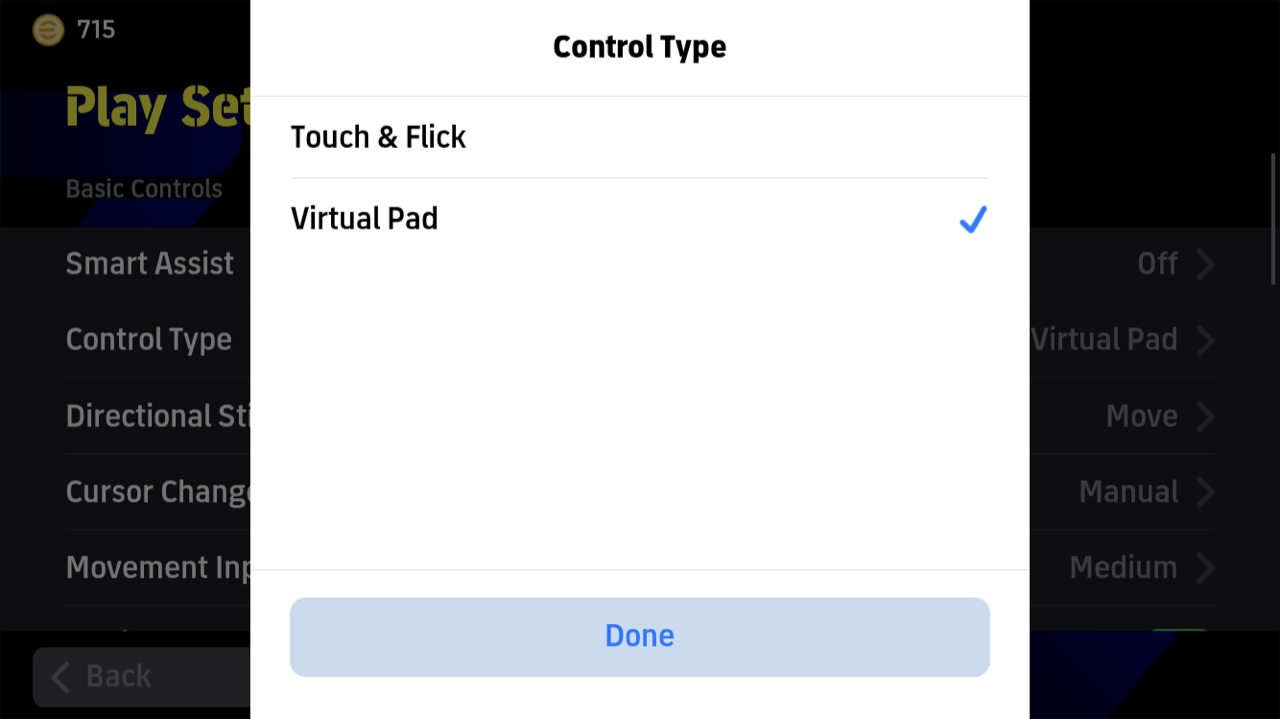
Control Type: Touch & Flick or Virtual Pad

In the game’s own figures, 91 to 94% of players use Virtual Pad at every level. Touch & Flick gives you more screen, but it takes getting used to. Choose Virtual Pad unless Touch & Flick suits your hands better.

Button Configuration

Button Configuration moves the Virtual Pad buttons. Put the ones you use most where your fingers reach easily, and leave a gap between them so you do not press the wrong one.

PositionAttackDefence
Top rightShootTackle
LeftThroughDash & Pressure
Bottom leftPassSwitch
Bottom rightDashMatch-up

This is the layout of a player who reached Division 1. Each defending button sits where an attacking button sits, so you do not have to think when the ball changes hands.

Smart Assist: Off

Smart Assist adjusts things like shot power and dribbling direction for you, so you can play without complex inputs. Higher Divisions tend to use it less.

DivisionOnOff
Division 134%66%
Division 247%53%
Division 346%54%
Division 452%48%

We reached Division 1 without it, then played four Division games with it on and went 3-1. We still leave it off.

Where it helps: it is very good in defence. After you cut out a pass in your own half, it clears the ball for you before a careless dribble loses it. In a 50-50 challenge, it puts a foot in and clears.

Where it hurts: it can shoot the wrong way from a clear chance. We were through on goal with a Controlled Shot ready, and it sent the ball at the near post instead.

If you are new and worried about defending, use it. Otherwise, turn it off.

Cursor Change: Manual

Cursor Change decides how you switch the player you control. Manual leaves every switch to you. Assisted and Semi-Auto change the cursor for you, so it can jump away from the player you wanted.

On defence, that choice matters. With Manual, you can put the cursor on your CF or a DMF and block a passing lane. The game’s own figures also show players in higher Divisions changing the cursor more often.

To change the cursor on Virtual Pad, flick the Switch button towards the player. On Touch & Flick, tap the right side while defending.

Manual feels hard at first. If you want to improve, switch early and get used to it.

Movement Input Range: Medium

Movement Input Range sets how far you have to slide for a movement input to register. It matters most on Touch & Flick, where it sets how far you slide before the player dashes.

Medium is the default, and most players can leave it alone. If the controls feel too sensitive, try Wide. If they feel slow, try Narrow.

Feint Command Type: Easy

There are three types: Easy, Smart and Advanced. Start with Easy.

TypeHow it worksWho it suits
EasyA double tap sets off a feint that suits the situation, and the game sets the directionBeginners and intermediate players
SmartYou enter a direction and the game picks the feintIt falls between the other two, so skip it
AdvancedYour inputs decide exactly which feint comes outPlayers who want to beat their man with feints

Pass Search Guide: on when you are new

Pass Search Guide draws a line from the ball to show where a pass will go. If you cannot yet feel where your passes will land, keep it on. Once you can, turn it off.

Even when the guide shows two options, the pass goes straight away, so you have no time to choose between them. It shows you where the ball is going, and that is all.
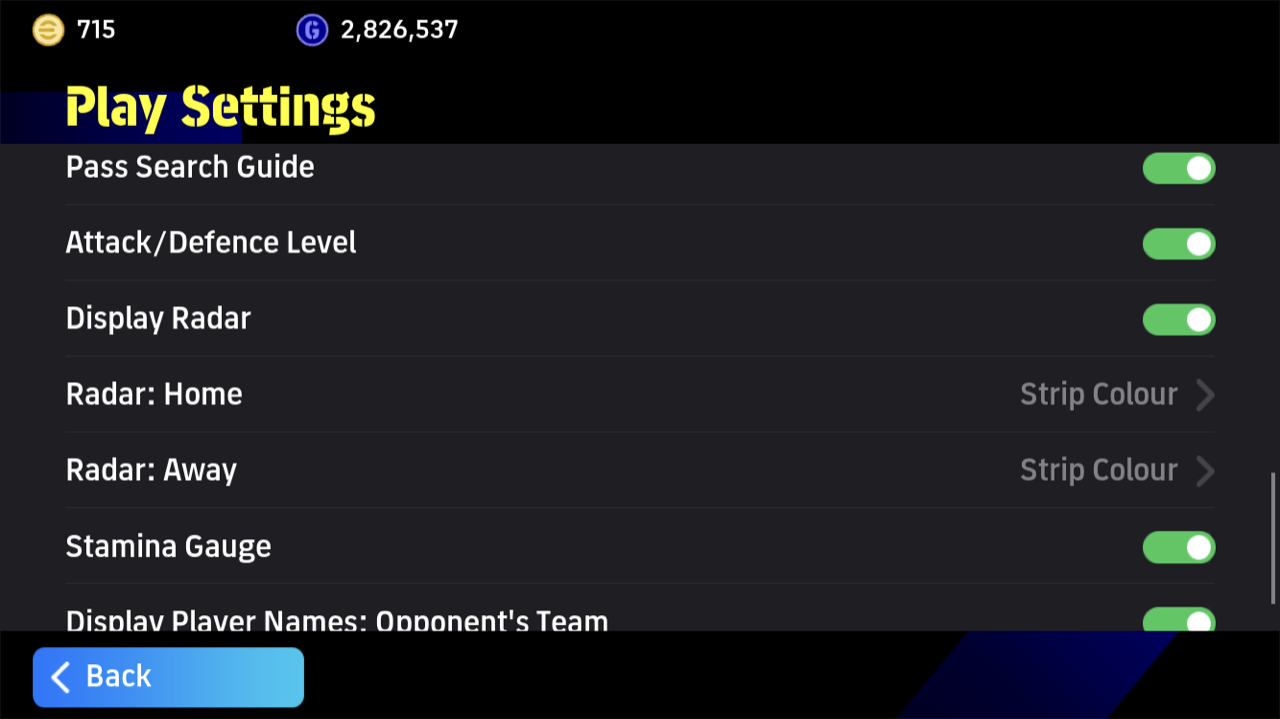
Play Settings: Pass Search Guide and the other Match Screen settings

Graphics: Lowest for online matches

Higher graphics look better, but they make the controls heavier and affect your connection.
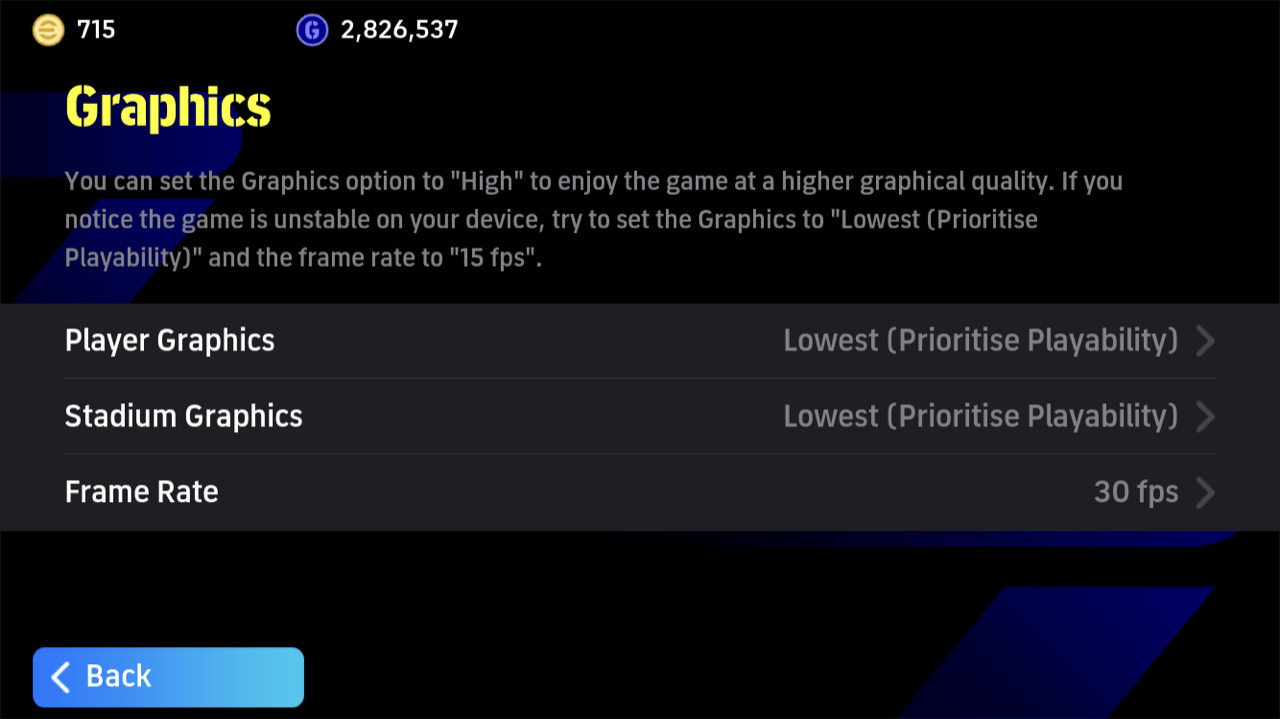
Graphics: Player Graphics, Stadium Graphics and Frame Rate
How you playPlayer GraphicsStadium Graphics
Online, to winLowest (Prioritise Playability), or StandardLowest (Prioritise Playability)
VS AI, for the lookStandardStandard or High

At Lowest, players’ faces lose their detail, the stands are empty and there is no commentary. If the faces take the fun out of it, raise Player Graphics to Standard. We played on Lowest at 30 fps and our connection stayed steady.

Frame Rate: 30 fps

Frame Rate is how many images the game draws each second. A higher number looks smoother, but it works your device harder.

Frame RateHow it looksOur view
15 fpsClearly choppyAvoid
20 fpsStill roughOnly if your device needs it
30 fpsSmoothThe best choice
60 fpsVery smoothSo smooth that timing gets harder

At 60 fps we found the timing of passes and dribbles harder to judge, and made more mistakes. 30 fps is smooth enough to play well, and easier on your device’s heat and battery. If the game feels laggy, lowering the Frame Rate can help.

FAQ

What are the best settings in eFootball?
Virtual Pad, Manual Cursor Change, Smart Assist off and Medium Movement Input Range, with Lowest (Prioritise Playability) graphics at 30 fps for online matches.
Should I use Smart Assist in eFootball?
Only if you are new and worried about defending. It is good at clearing the ball, but it can miss a clear chance. In Division 1, 34% of players use it.
Is manual cursor better in eFootball?
Yes. You pick the player you control, so you can block passing lanes on defence.
Is 30 or 60 fps better in eFootball?
We recommend 30 fps. It is smooth enough, and 60 fps made the timing of passes and dribbles harder for us.
Which Control Type is best in eFootball?
Virtual Pad for most players. 91 to 94% of players use it at every level.

Summary

✓Summary
  • Choose Virtual Pad, and set the buttons where your fingers reach easily.
  • Set Cursor Change to Manual, and leave Movement Input Range on Medium.
  • Keep Smart Assist off, unless you are new and worried about defending.
  • For online matches, use Lowest (Prioritise Playability) graphics at 30 fps.
More from eFootball LABO
eFootball Best Formation – Tier ListHow to Train Players in eFootballeFootball Player Skills: Full List Explained

In-game screenshots © KONAMI DIGITAL ENTERTAINMENT. eFootball™ is a trademark of KONAMI DIGITAL ENTERTAINMENT. eFootball LABO is not affiliated with or endorsed by KONAMI.

ef-labo YouTube channel
ef-labo YouTube Channel is live
Subscribe →
Try these tools next
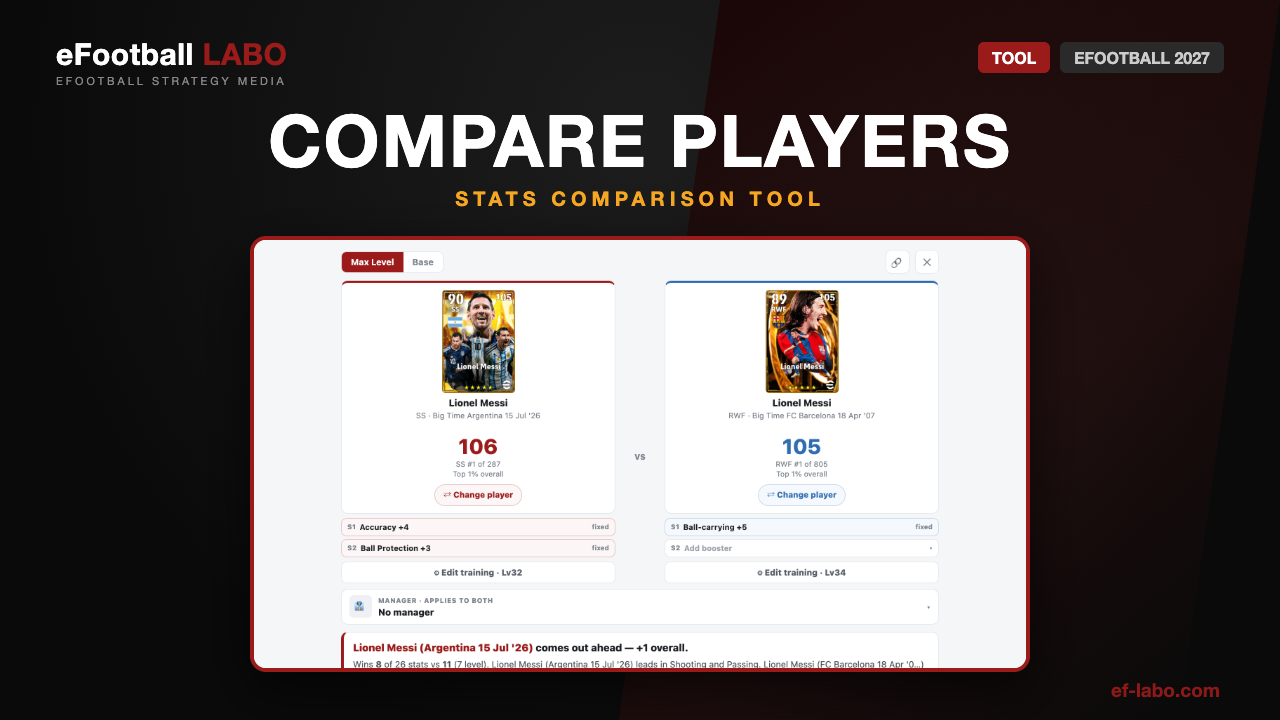
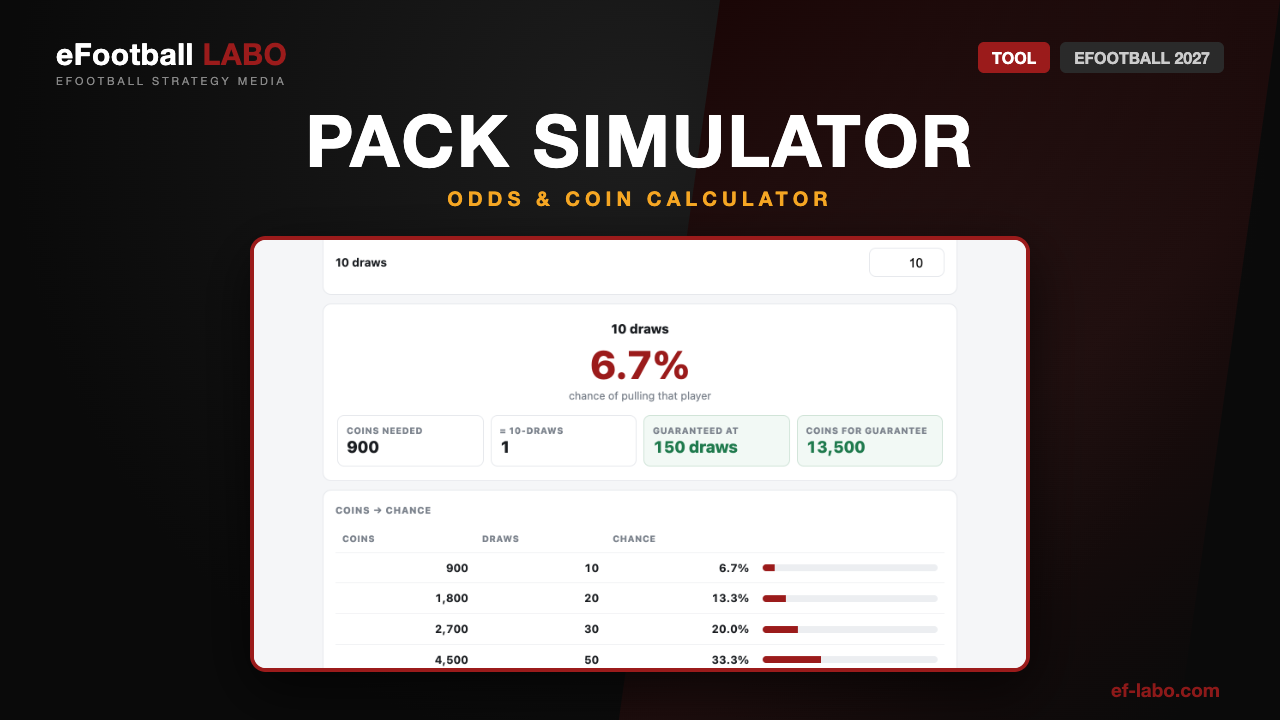
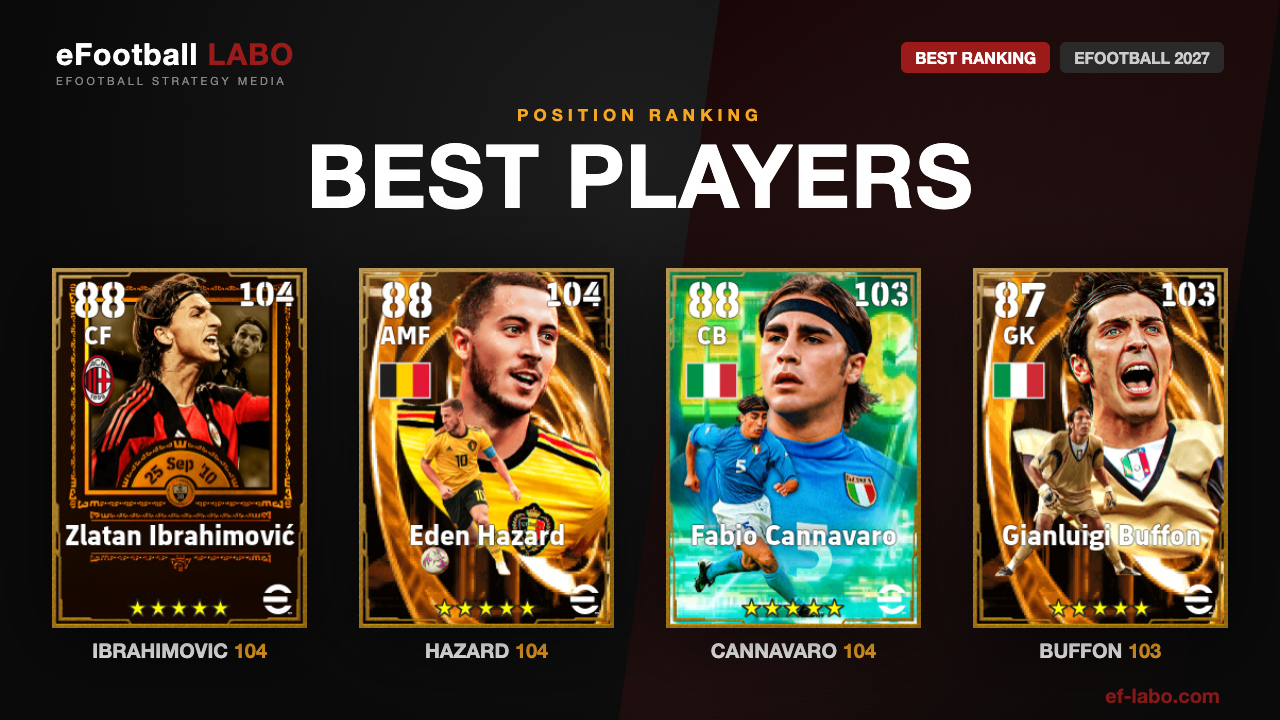
Player Progression CalculatorPlayer Progression CalculatorSpend the points and see every stat updateCompare PlayersCompare PlayersAny two cards side by side, all 26 statsPack Opening SimulatorPack Opening SimulatorYour real chance and the coins it costsBest Players by PositionBest Players by PositionThe strongest card at every position
Compare PlayersCompare PlayersAny two cards side by side, all 26 statsPlayer Progression CalculatorPlayer Progression CalculatorSpend the points and see every stat updatePack Opening SimulatorPack Opening SimulatorYour real chance and the coins it costsBest Players by PositionBest Players by PositionThe strongest card at every position
Compare PlayersCompare PlayersAny two cards side by side, all 26 statsPlayer Progression CalculatorPlayer Progression CalculatorSpend the points and see every stat updatePlayer Skills + Skill SearchPlayer Skills + Skill SearchSearch every card by skillBest Players by PositionBest Players by PositionThe strongest card at every position
Player Skills + Skill SearchPlayer Skills + Skill SearchSearch every card by skillCompare PlayersCompare PlayersAny two cards side by side, all 26 statsPlayer Progression CalculatorPlayer Progression CalculatorSpend the points and see every stat updateBest Players by PositionBest Players by PositionThe strongest card at every position
Manager DatabaseManager DatabaseProficiency, boosters and Link-up PlaysPlayer Progression CalculatorPlayer Progression CalculatorSpend the points and see every stat updateCompare PlayersCompare PlayersAny two cards side by side, all 26 statsBest Players by PositionBest Players by PositionThe strongest card at every position
Player Progression CalculatorPlayer Progression CalculatorSpend the points and see every stat updateCompare PlayersCompare PlayersAny two cards side by side, all 26 statsBest Players by PositionBest Players by PositionThe strongest card at every positionPack Opening SimulatorPack Opening SimulatorYour real chance and the coins it costs
Pack Opening SimulatorPack Opening SimulatorYour real chance and the coins it costsPlayer Progression CalculatorPlayer Progression CalculatorSpend the points and see every stat updateCompare PlayersCompare PlayersAny two cards side by side, all 26 statsBest Players by PositionBest Players by PositionThe strongest card at every position
Controls & Settings
Let's share this post !
  • URL copied!
  • URL copied!

Author of this article

Mikel's avatar Mikel

Mikel is the editor of eFootball LABO. A long-time eFootball player (peak Division 1, peak rating 1,920), he writes from real play and hands-on testing.

Related Post

No related articles were found yet.

Category
  • Best Players (345)
    • By Position (38)
    • By Stat (53)
    • Playing Styles (45)
  • Coins & Events (5)
  • Controls & Settings (1)
  • Formations & Tactics (23)
  • Guides & Basics (3)
  • Managers (74)
  • Other Languages (195)
    • Bahasa Indonesia (3)
    • Español (Latinoamérica) (3)
    • Français (177)
    • Português (Brasil) (3)
    • Türkçe (3)
    • العربية (3)
    • ไทย (3)
  • Player Skills (66)
  • Players (3,062)
  • Special Player & Packs (123)
  • Training (2)
Search
Category
  • Best Players (345)
    • By Position (38)
    • By Stat (53)
    • Playing Styles (45)
  • Coins & Events (5)
  • Controls & Settings (1)
  • Formations & Tactics (23)
  • Guides & Basics (3)
  • Managers (74)
  • Other Languages (195)
    • Bahasa Indonesia (3)
    • Español (Latinoamérica) (3)
    • Français (177)
    • Português (Brasil) (3)
    • Türkçe (3)
    • العربية (3)
    • ไทย (3)
  • Player Skills (66)
  • Players (3,062)
  • Special Player & Packs (123)
  • Training (2)

Copyright

© 2026 Konami Digital Entertainment
All copyright and other intellectual property rights in the game images and data used on this site belong to the publisher of the game.
The content on this site is created independently by the eFootball LABO editorial team.
Unauthorised use or reproduction of the data and images published on this site is strictly prohibited.

© eFootball LABO.

Contents