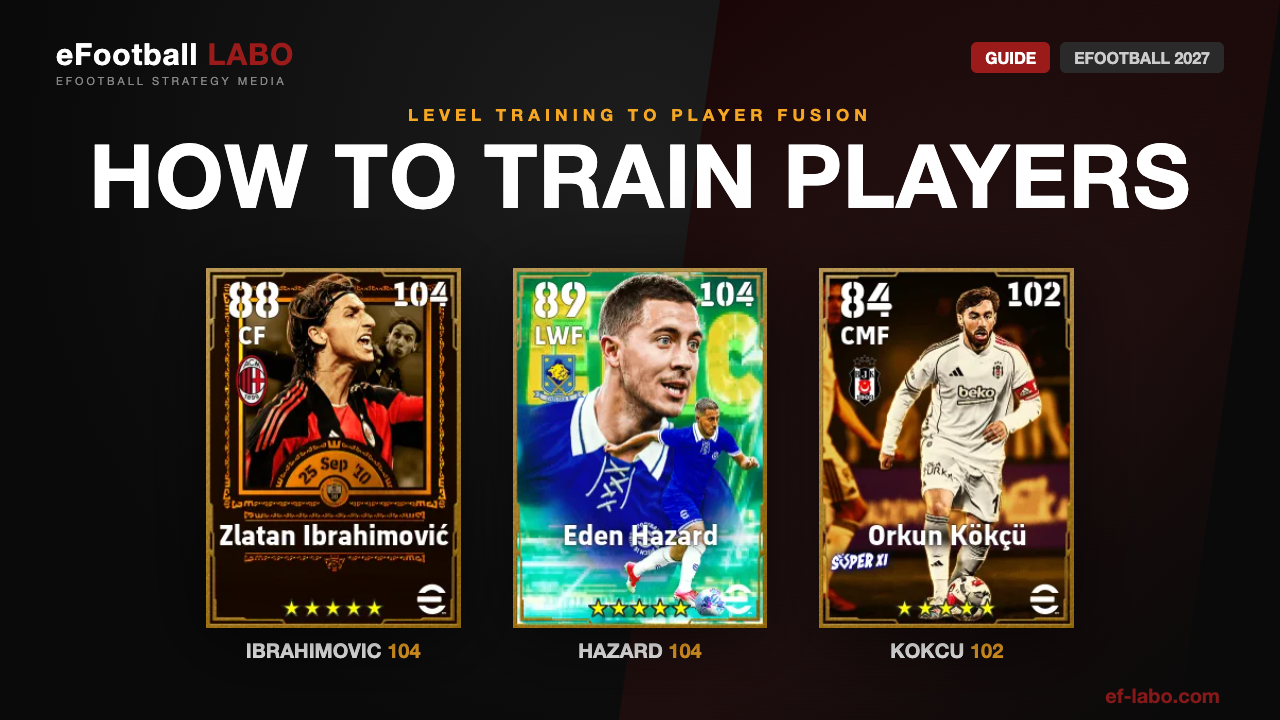
- The order: sign the player → Level Training → Player Progression → Position Training if needed → Player Fusion and Skill Training to finish
- Levelling up alone does not raise the Overall Rating: each level gives you Progression Points, and the Overall Rating only rises once you allocate them
- Focus: put your resources into the players you actually start, not the whole squad
- Player Fusion cannot be undone: the player you use is erased from My Team
How training works: the five steps
Training in eFootball is made up of several systems that build on each other. Knowing what each step is for saves you from spending tokens and GP in the wrong order.
Add them to your squad. You can only train players in My Team.
Give the player Experience Points with Exp. Tokens, or by playing matches. Every level gives you Progression Points.
Allocate the Progression Points to raise the Player Stats. This is the step that makes the player stronger.
Add or raise a Position Proficiency, for more options in your squad.
Player Fusion carries another player’s Experience Points and Additional Skills over, and Skill Training adds a new skill. The last push for a player you plan to keep.
Each part of training
Level Training
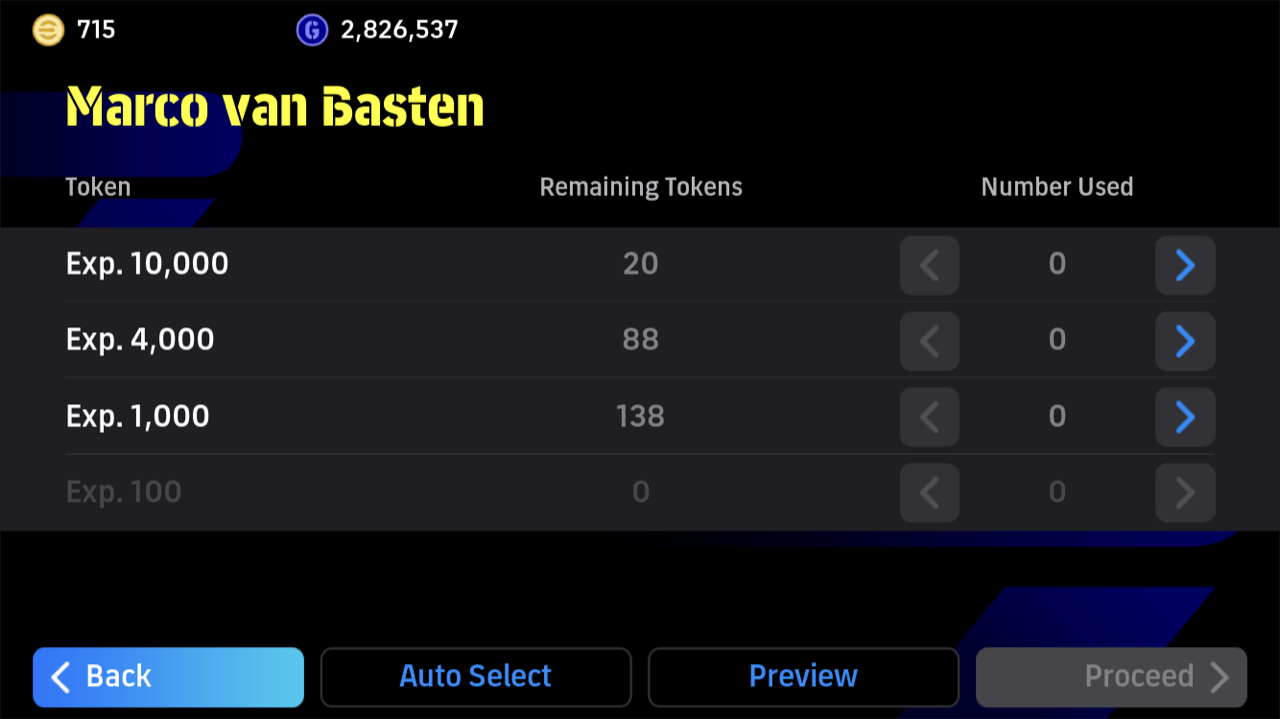
Experience Points come from Level Training, from playing matches and from Player Fusion. In Level Training you use Exp. Tokens (Exp. 10,000, 4,000, 1,000 and 100). Each level gives you Progression Points. Every player has a Level limit, and once it is reached the player stops levelling up.
Player Progression
Player Progression is where the Progression Points go into the Player Stats. Open it from [Home] > [My Team] > [Players], pick the player and select [Player Progression]. Allocate the points to what the position needs.
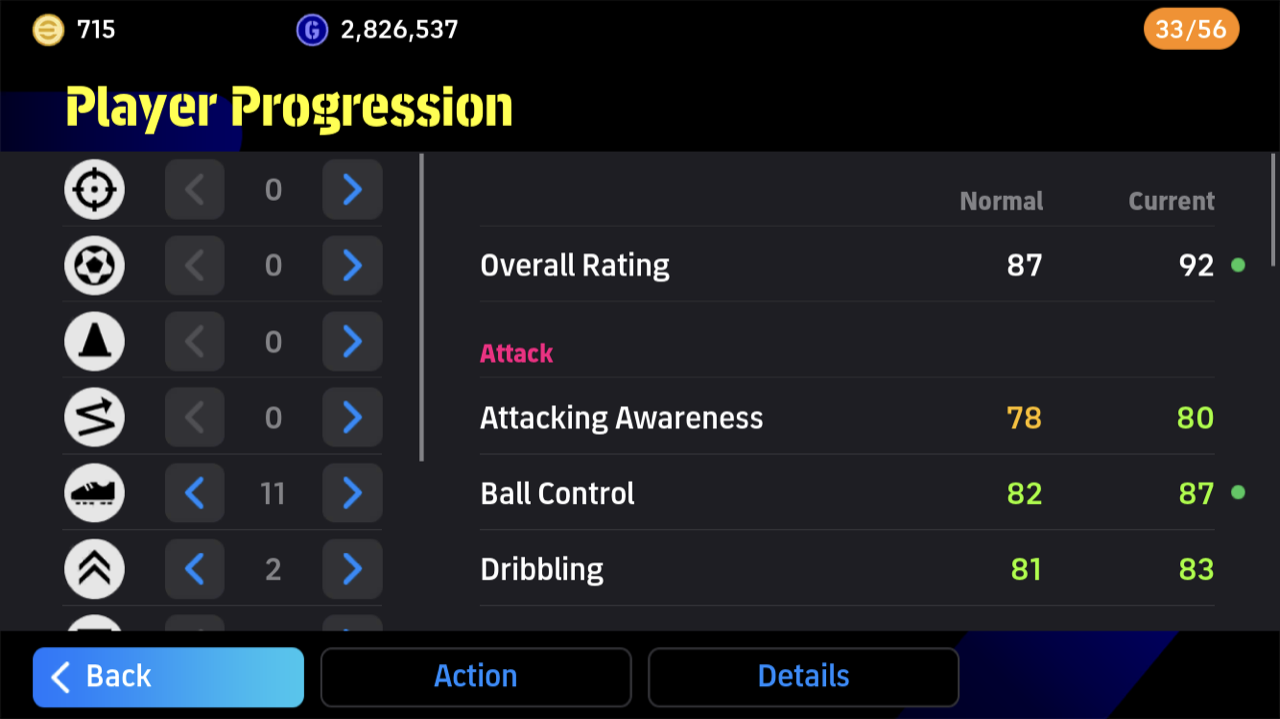
The points go into categories shown as icons, with no names. Each of these categories raises a fixed set of Player Stats:
- Finishing, Set Piece Taking, Curl
- Low Pass, Lofted Pass
- Dribbling, Ball Control, Tight Possession
- Attacking Awareness, Acceleration, Balance
- Kicking Power, Speed, Stamina
- Heading, Jumping, Physical Contact
- Defensive Awareness, Tackling, Aggression, Defensive Engagement
- GK Awareness, Jumping
- GK Parrying, GK Reach
- GK Catching, GK Reflexes
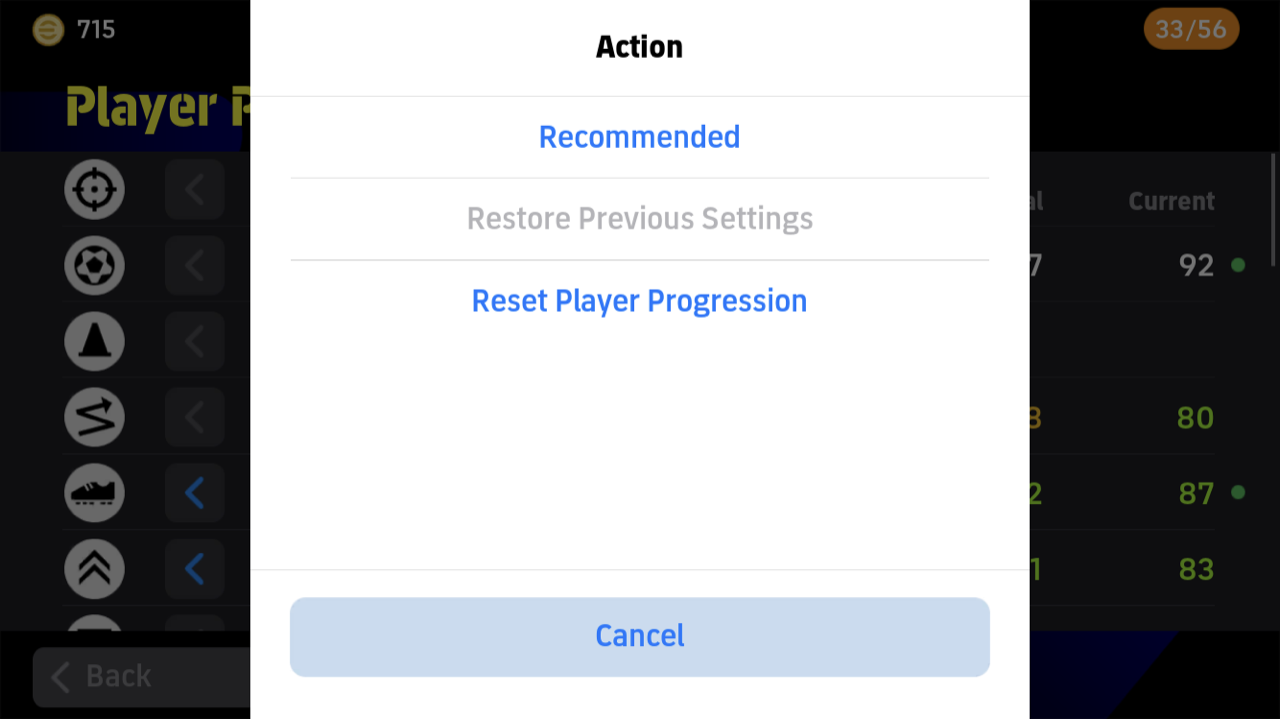
The Action menu also has Recommended, Restore Previous Settings and Reset Player Progression.
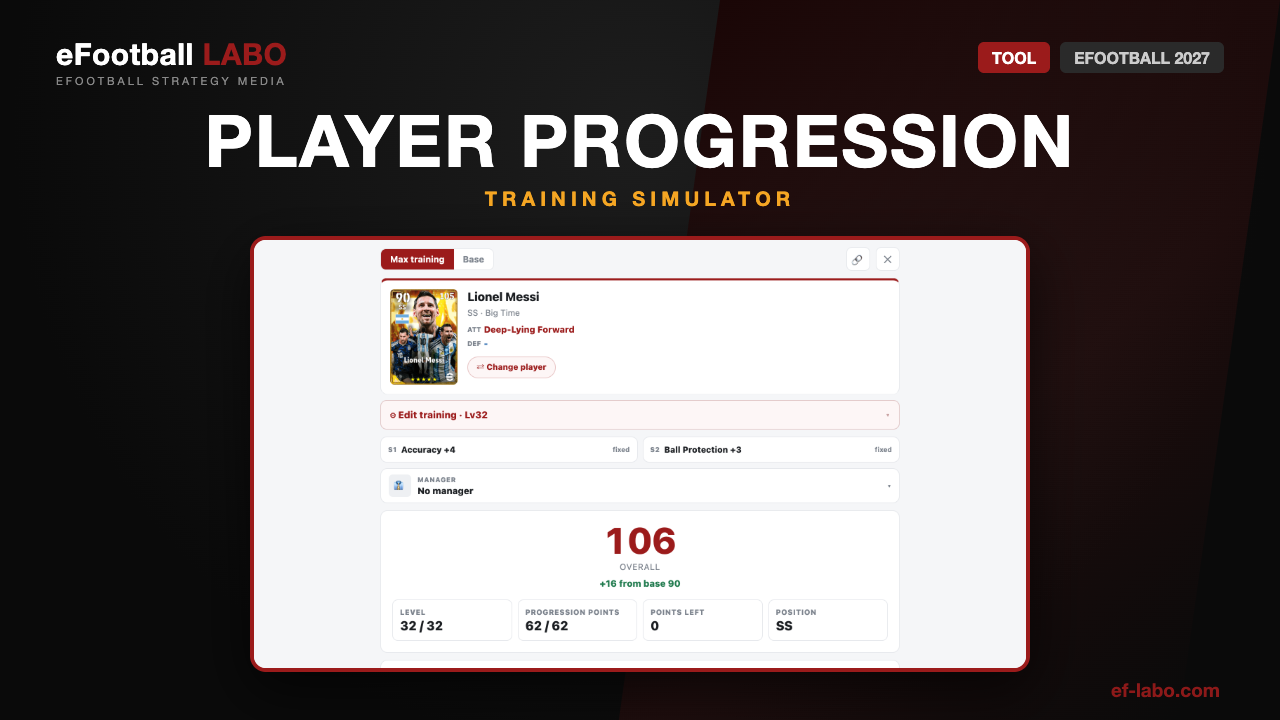
The Player Progression Calculator lets you try a build on a player you do not own yet. For your own players, Player Progression does the same job, since resetting is free.
Try a build in the Player Progression Calculator →
Position Training
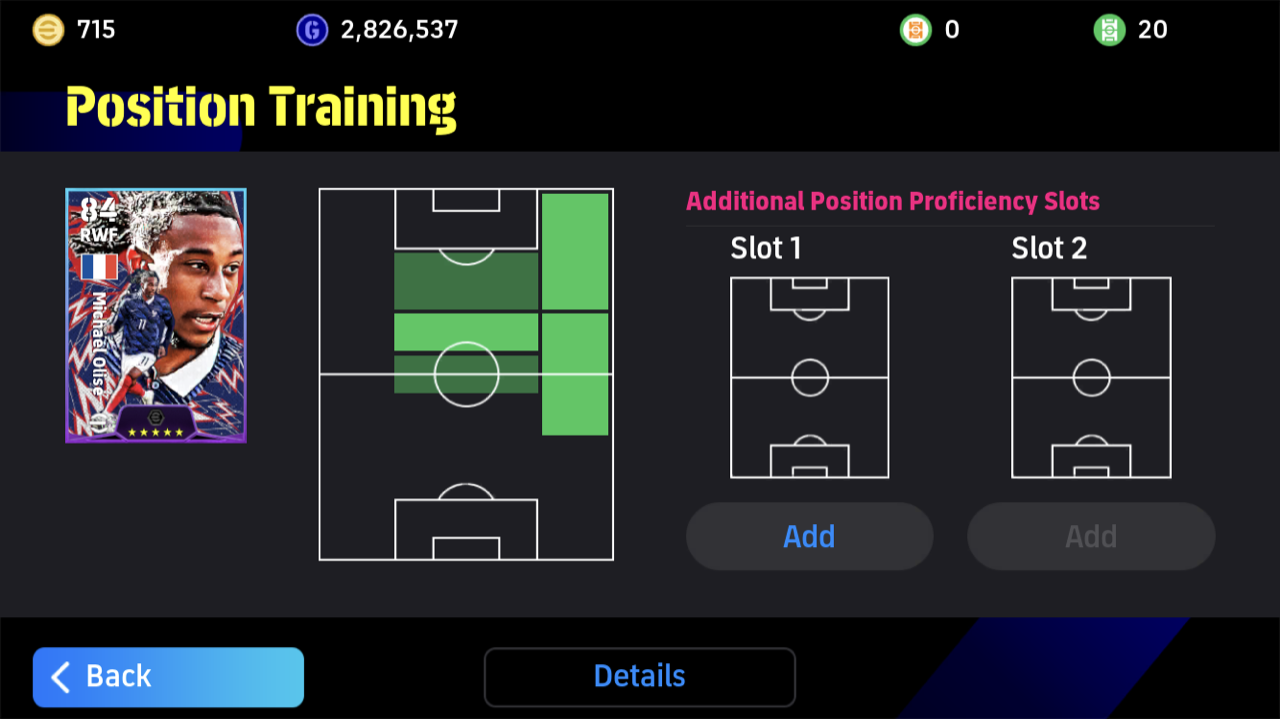
Position Training adds a Position Proficiency to a player, or raises one they already have. Added positions go into the Additional Position Proficiency Slots (up to two). It lets one player cover a gap in your formation, so use it on players you want in a second role.
Player Fusion
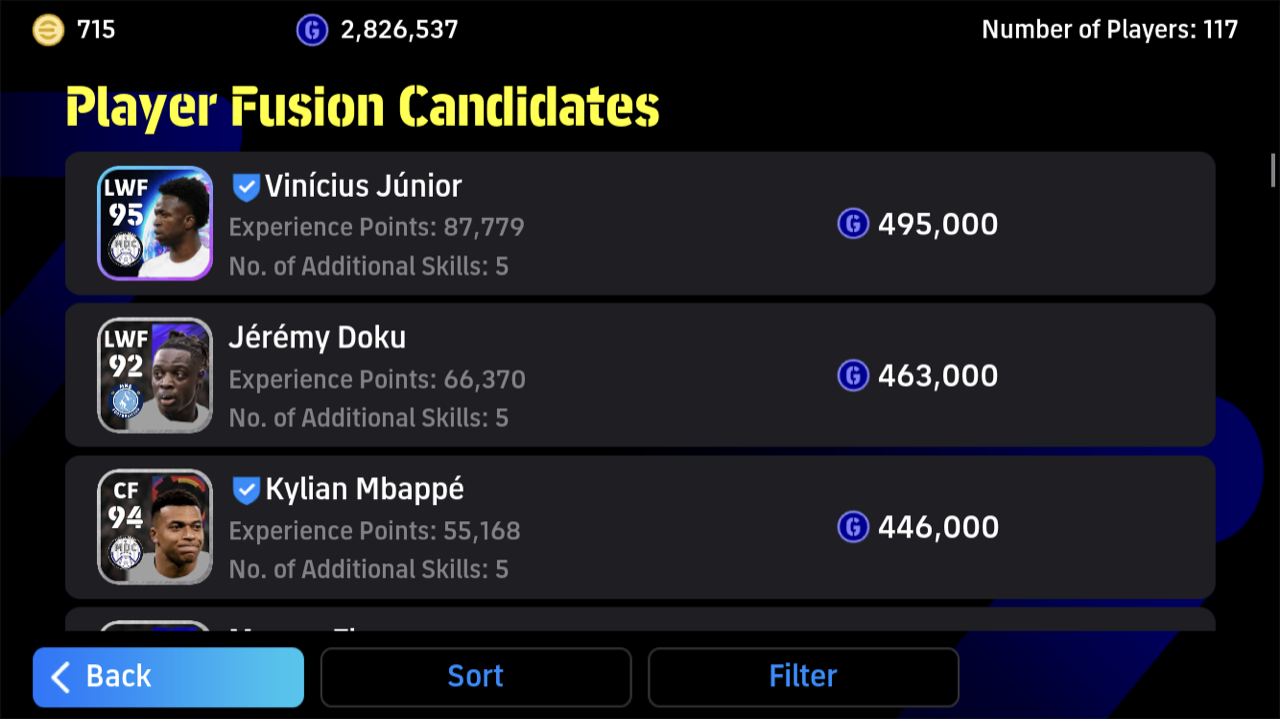
Player Fusion carries the Experience Points and the Additional Skills of one player over to another, for GP. The player you use is erased from My Team, so it cannot be undone. Trending players cannot undergo Player Fusion.
Skill Training
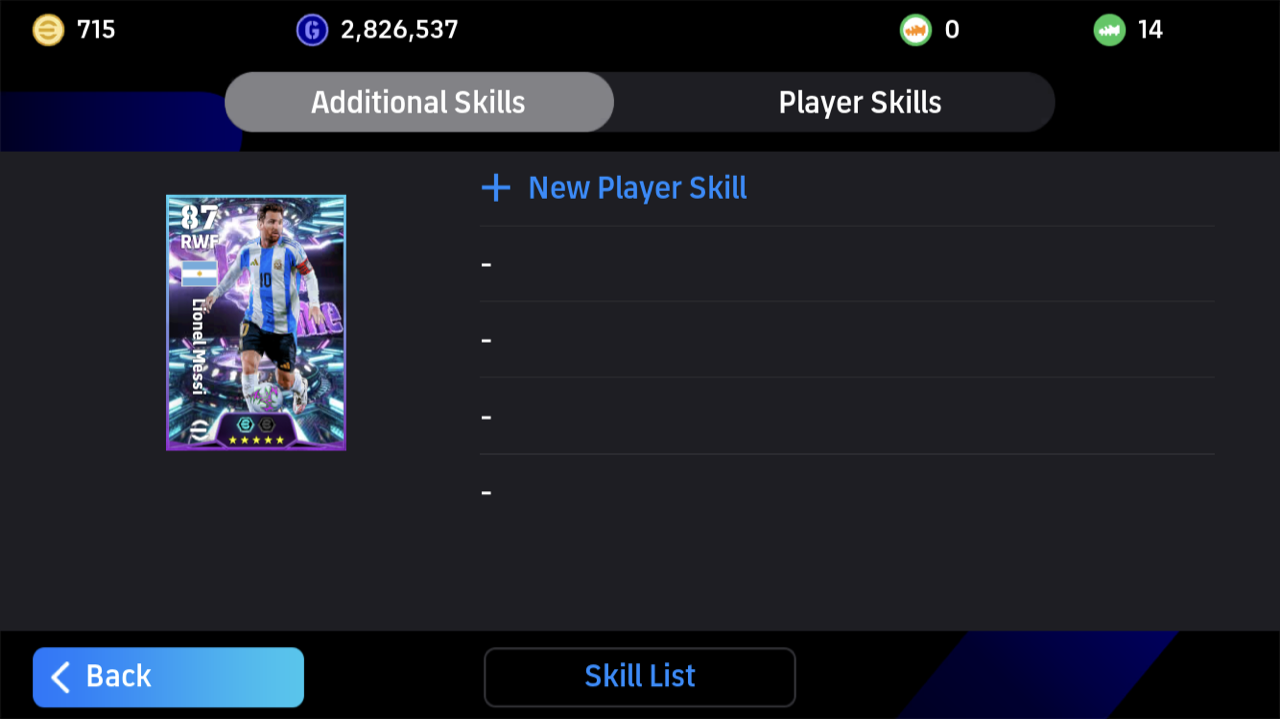
Skill Training adds a skill the player does not have yet (the New Player Skill button), and it appears under Additional Skills.
Boosters
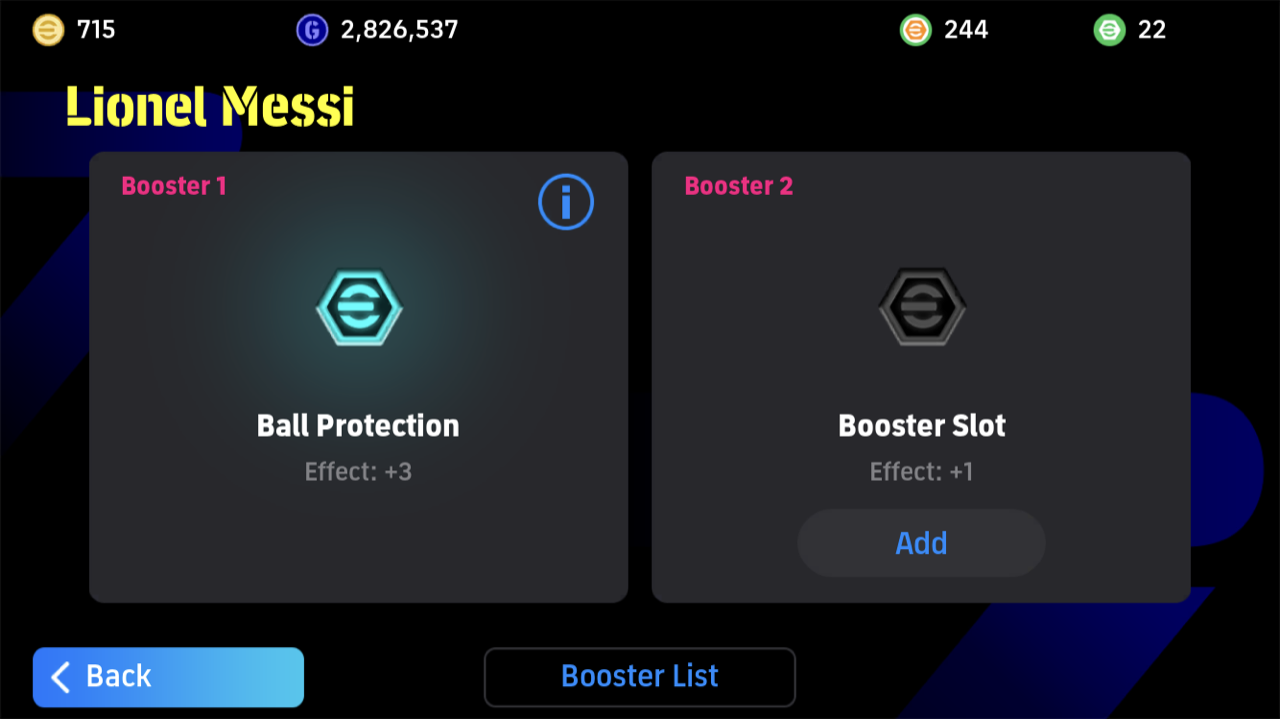
A Booster raises a player’s Player Stats, some all the time and some once the Activation Conditions are met. Some are Craftable Boosters, so they are part of finishing a player too.
The order that works best
Levelling up the whole squad evenly drains your tokens. Start with the players who are in your starting eleven most often.
A level with unallocated points changes nothing on the pitch. Build around the category that raises Kicking Power, Speed and Stamina, then add what the position needs.
Use Position Training on the few players you want to move around, and keep it for your regulars.
Both are the final step for a player you will keep for a long time. Player Fusion cannot be reversed, so wait until your squad is settled.
Training everyone a little. Tokens and GP run out fast that way. Pick the players you will use in the long run and put everything into them.
Reset Player Progression is free, so Player Progression works as its own simulator: allocate the points, look at the result, and reset if you do not like it.
Training and the Overall Rating
The Overall Rating goes up as you train, but only through the Progression Points you allocate. If you have trained a player and the Overall Rating has not moved, the points are probably still unallocated, or the player has reached the Level limit.
The Overall Rating sums up the Player Stats. How well a player plays also depends on where the points went, the skills and the positions, so do not judge a player on the number alone.
What training costs: players and GP
| Resource | What it is used for |
|---|---|
| Other players | The player whose Experience Points and Additional Skills are carried over in Player Fusion |
| GP | Signing players and Player Fusion |
Players you will not use are not clutter: they are material for Player Fusion.
Why a player cannot be trained
When training will not go through, the cause is usually one of these. Most of these are by design, not bugs.
| Cause | What to check |
|---|---|
| The Level limit is reached | The player has gone as far as the Level limit allows |
| The player or contract is not eligible | Some players cannot be levelled up because of the card or its contract status. Check that the player has fully joined your team in My Team |
| The player is Trending | Trending players cannot be trained further |
| Not enough tokens, points or GP | Top up the tokens, points or GP the step needs |
FAQ
What should I train first in eFootball?
Why did my player’s Overall Rating not go up after levelling up?
Can I undo the Progression Points I allocated?
Can I undo Player Fusion?
Summary
- Train in this order: Level Training, Player Progression, Position Training, then Player Fusion and Skill Training.
- Levelling up alone does not raise the Overall Rating — the Progression Points have to be allocated.
- Concentrate tokens and GP on the players you actually use.
- Reset Player Progression is free; Player Fusion is permanent.
In-game screenshots © KONAMI DIGITAL ENTERTAINMENT. eFootball™ is a trademark of KONAMI DIGITAL ENTERTAINMENT. eFootball LABO is not affiliated with or endorsed by KONAMI.